Email campaign
What is a campaign?
An email campaign allows you to manage a list of recipients, and send emails. It is used to send reminder emails, invitation emails, and most other communication.
There are two distinct types of email campaigns.
General email campaigns
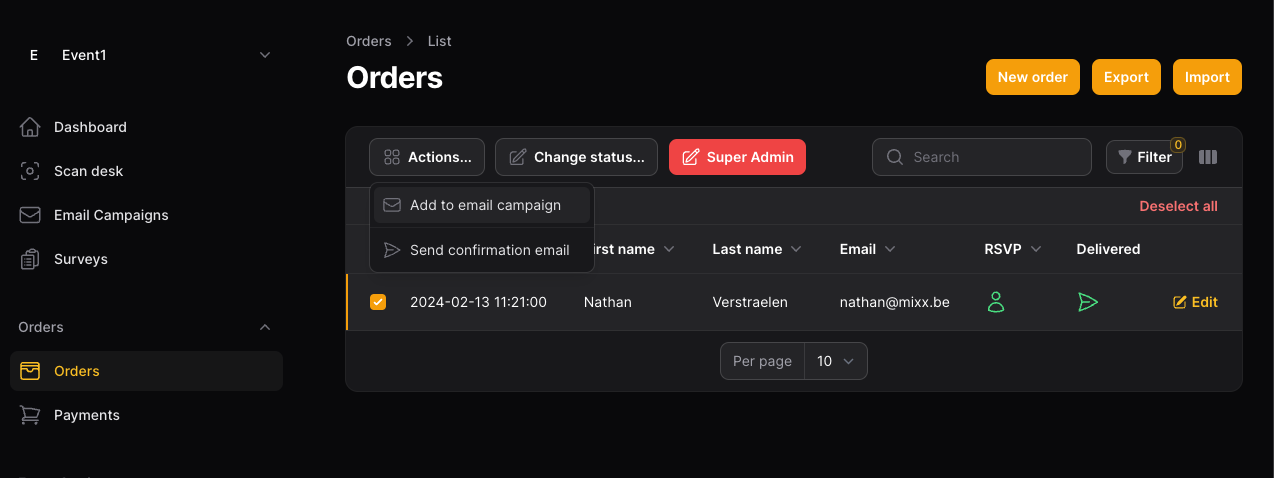
A general email campaign is managed from the dashboard. It is not tied to a specific event. Recipients can be imported from a file, but not from the attendees in an event.
Event email campaigns
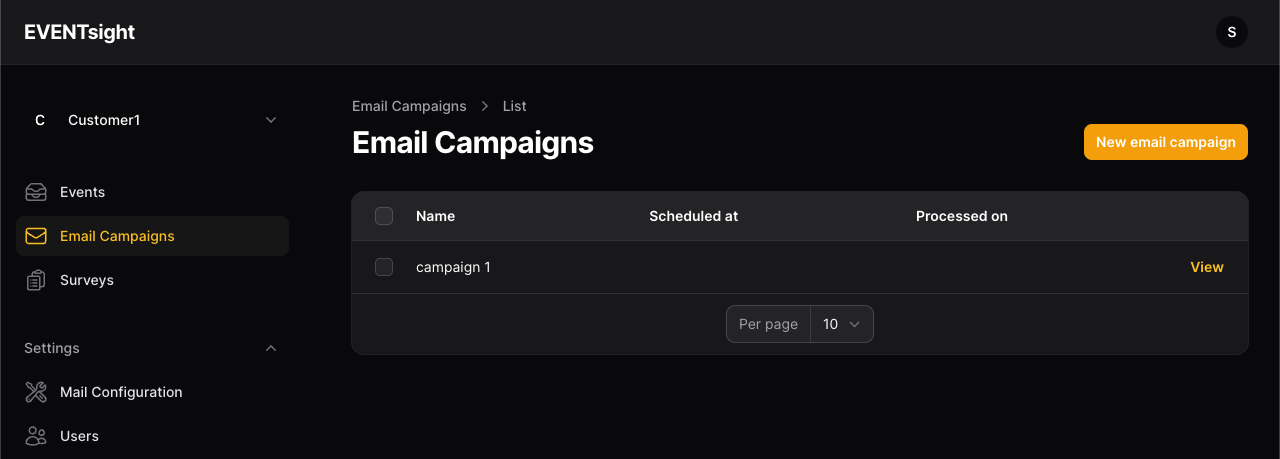
An event email campaign is used to send communication about the event. Recipients can be imported from the last of orders (eg. the 'attendees' of the event).
To navigate here, click on 'Events' > select your event > 'Email Campaigns'
Creating a campaign
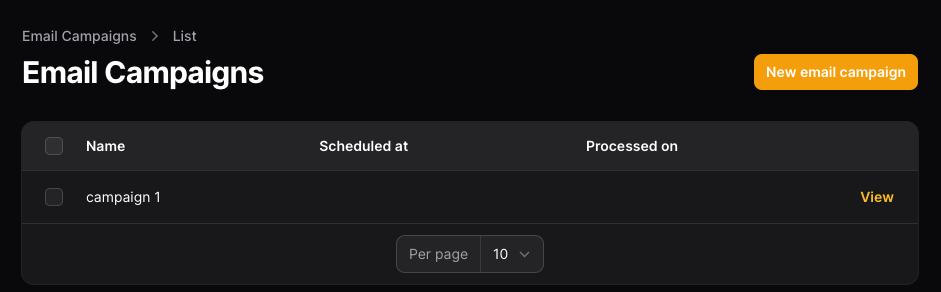
Click on 'New email campaign' at the top right to start creating a campaign. Give your campaign a name, this will be used to identify it in the list of campaigns. After creating a campaign, you're redirected to the setup page. Here you can change the name, and put in a date to automatically sent out the email.
Writing an email template
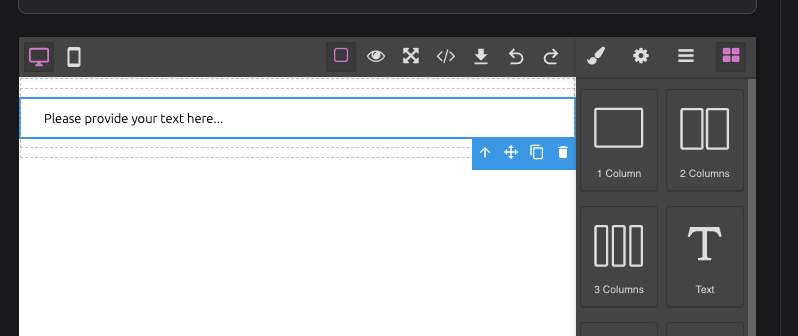
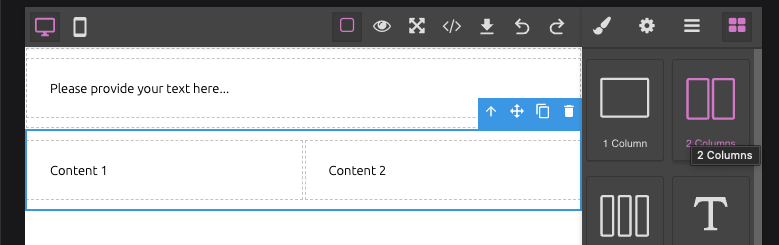
Use the editor under 'email settings' to write up your template. Click on the 'components' button to show all the components.

components button
 template editor
Composing an email consist mainly of dragging 'columns' to the page, and filling these columns with 'text' components.
After you're done, click 'Save changes' at the bottom of the page.
Attaching iCal (iCalendar)
If you select 'attach iCal', an iCalendar file will be attached to the email. Email clients will recognise this file, and provide recipients a quick way to add the event to their calendar.
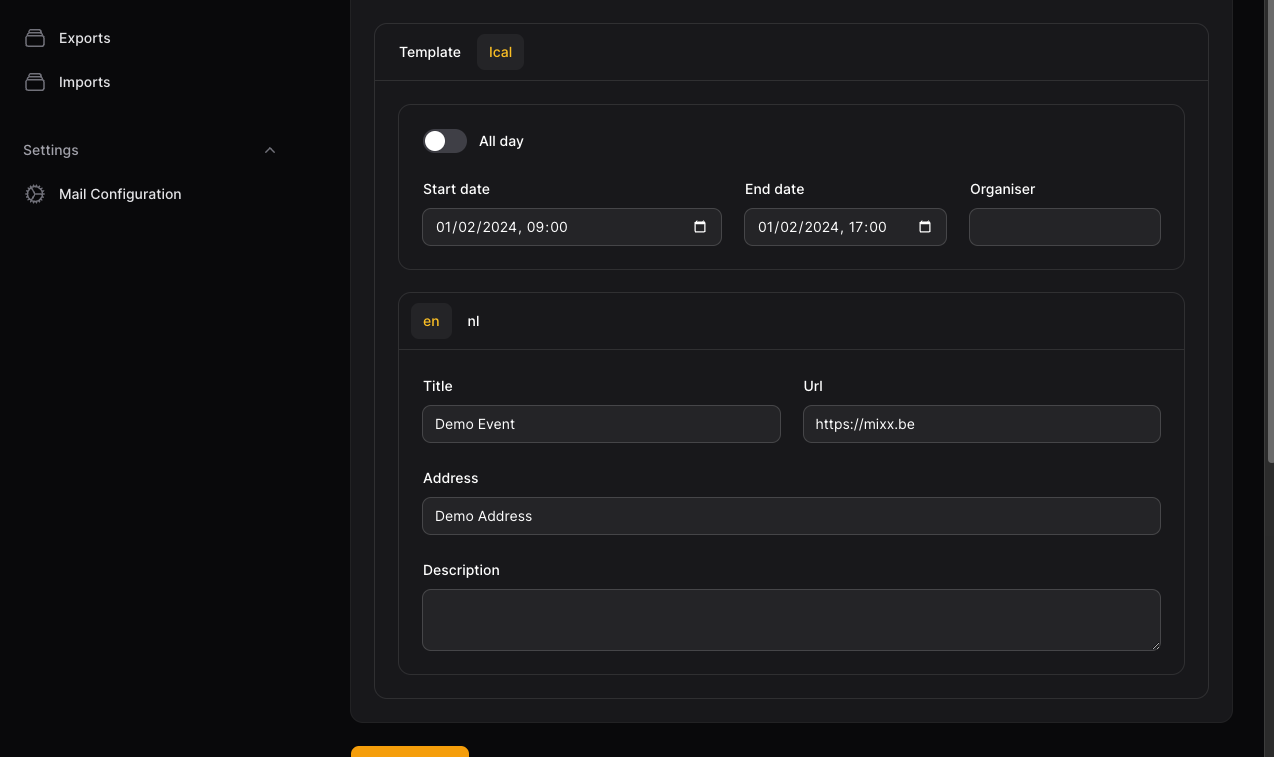 iCal settings
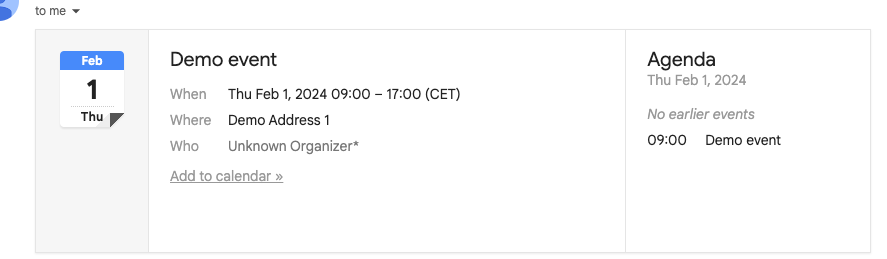 iCal example in Gmail
Recipients
An email campaign has recipients.
General email campaign
The recipients can be added manually. Navigate to 'Recipients', and click 'New Recipient'. You can also import a list of recipients. Check out the section about importing.
Event email campaign
The recipients come from the orders. Navigate to your event, and go to 'Orders'. Select all the recipients you want to add, click on 'Actions' > 'Add to email campaign' and choose your email campaign. Now go to 'Email Campaigns' and navigate to your campaign. Under 'Recipients' you will now see all the attendees, ready to receive to campaign.