ICAL
Set up iCal
An iCal or iCalendar file lets provide recipients a quick way to add the event to their calendar. See this example from Gmail.
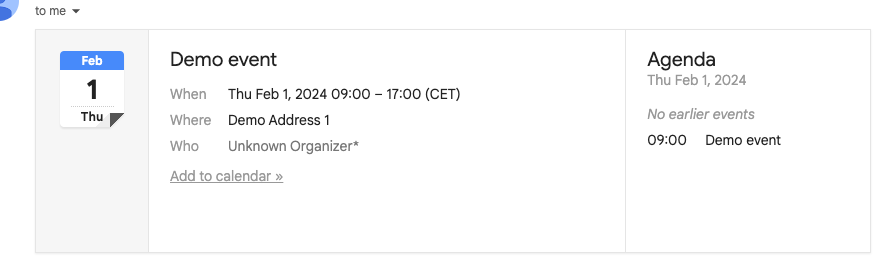
To use iCal, it needs some data. Go to the tab 'iCal'. Fill in either a start date, or toggle 'All day' on. This is the minimum required for an iCal. Additionally, you may fill in a title, address, url, and a description. These will all get copied to your users calendar.